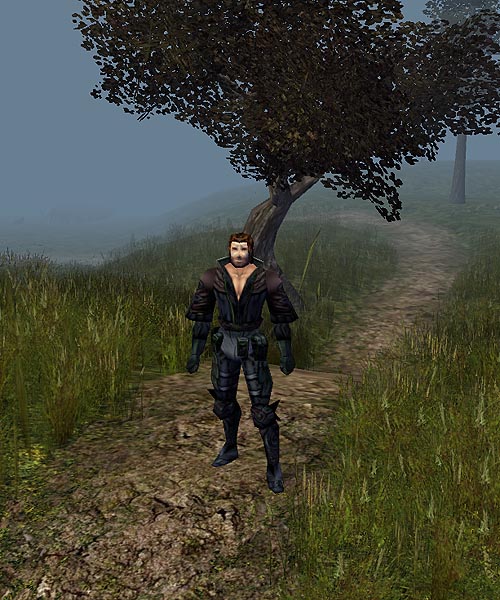
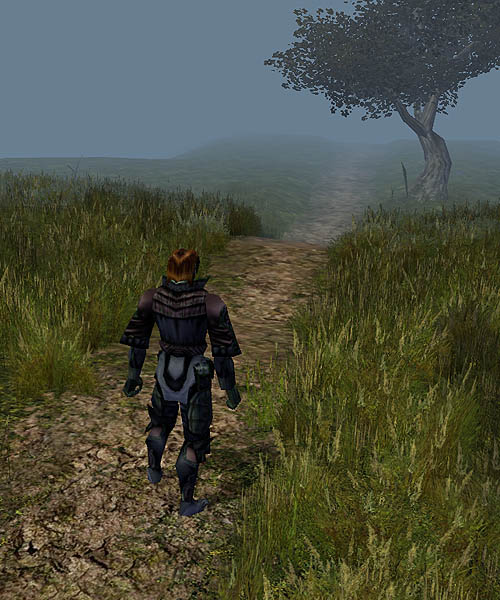
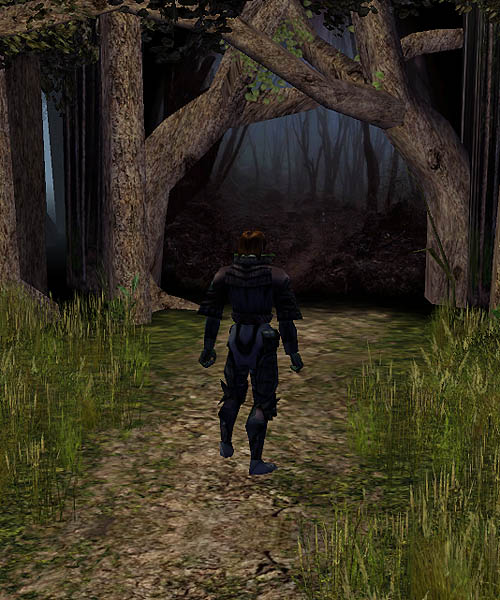
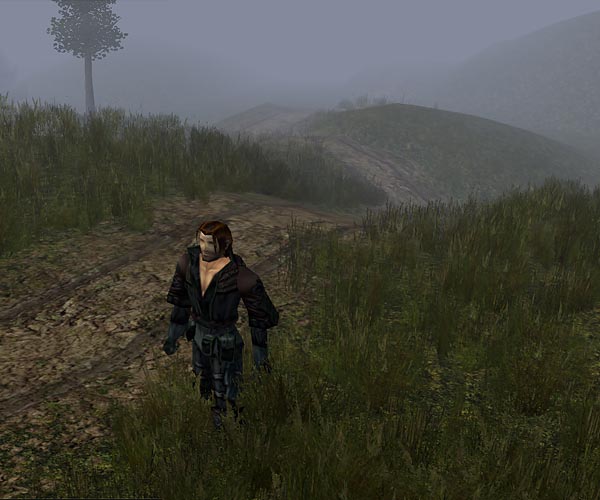
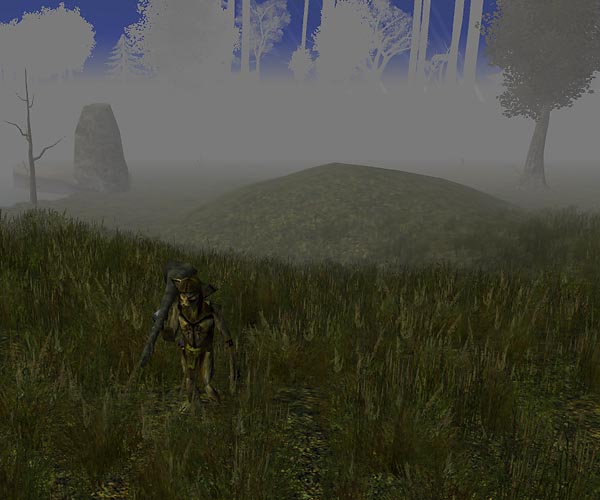
Something I'm working on adding to the rural tileset (Dragon Dale, the Glades, the main roads between towns all use rural)... footpaths.
These first two show the paths running through Toro's new gentle hills, which are part of his rural mod and will be included in The Vast. You can see some of the new trees Toro put in too. Also the new 3d grass; that's a texture from Zwerkules' biorural override. So much nicer than the old bioware 3d grass.
I'm hoping to have the first hak compilation ready for release pretty soon.
Toro wrote:Looking Good AG ! I like the footpaths.
Thanks. I've had to bring the walkmeshes in on every tile so the 3d grass will come to the edge of the path, but that part's going ok. I'm also modding the ground to match the wok changes where needed. Still a lot to go on duplicating your hilly roads as paths, but I have enough done for basic paths up and through the hills.
Some teasers for you. We're really close to releasing the first phase of the new hak sets.
The road at Land's Drop, just east of the ruins of Four Towers.
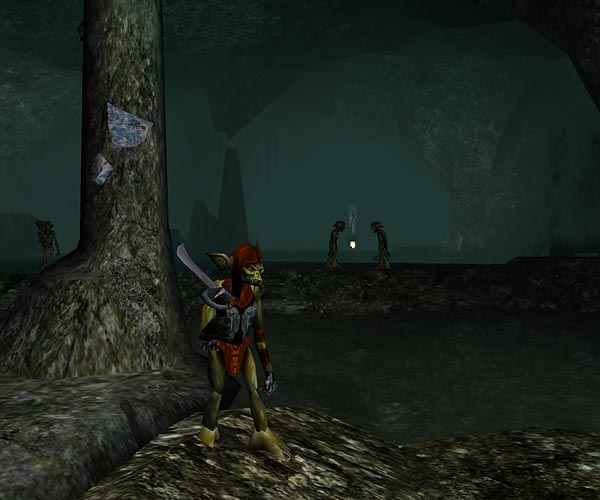
Deep inside the Mhyrrwood Goblin Warrens. The caverns makeover is courtesy of Zwerkules' Biomines hak ( Mines/Cavern override with ceilings and lava pits). The goblins makeover is from Lord of worms / EvilAsmo&SebastianCain's Goblin Override.
This much improved hilly terrain in Mhyrrwood Glades - Central, just outside the goblin lair is from Toro's Rural Override/Expansion hak.
Note: If you had the two optional server override files (CLS_FEAT_DRUID.2da and spells.2da) from before, please delete them from your NWN/override folder. They are now part of the hak.
Anyone playing The Vast in 2013 can skip step one on the hak downloads page, as you already installed CEP 2.4 (unless of course you uninstalled it).
Colored Eyes and Lips
One of the haks we use allows you to custom-color your eyes and lips (it also automatically matches your eyebrows to your hair color). Eyes take on your color choice for tattoo 1. Lips take on your color choice for tattoo 2.
Some PC models may already have eyes that are too dark to see much of a change.
Once you've downloaded the .7z hak files (and installed 7-Zip), you should be able to just right click the compressed .7z file and choose from the options (like Extract Here for example) on 7-Zip the menu.